The Vercel Breach — What Every Next.js Developer Needs to Do Right Now
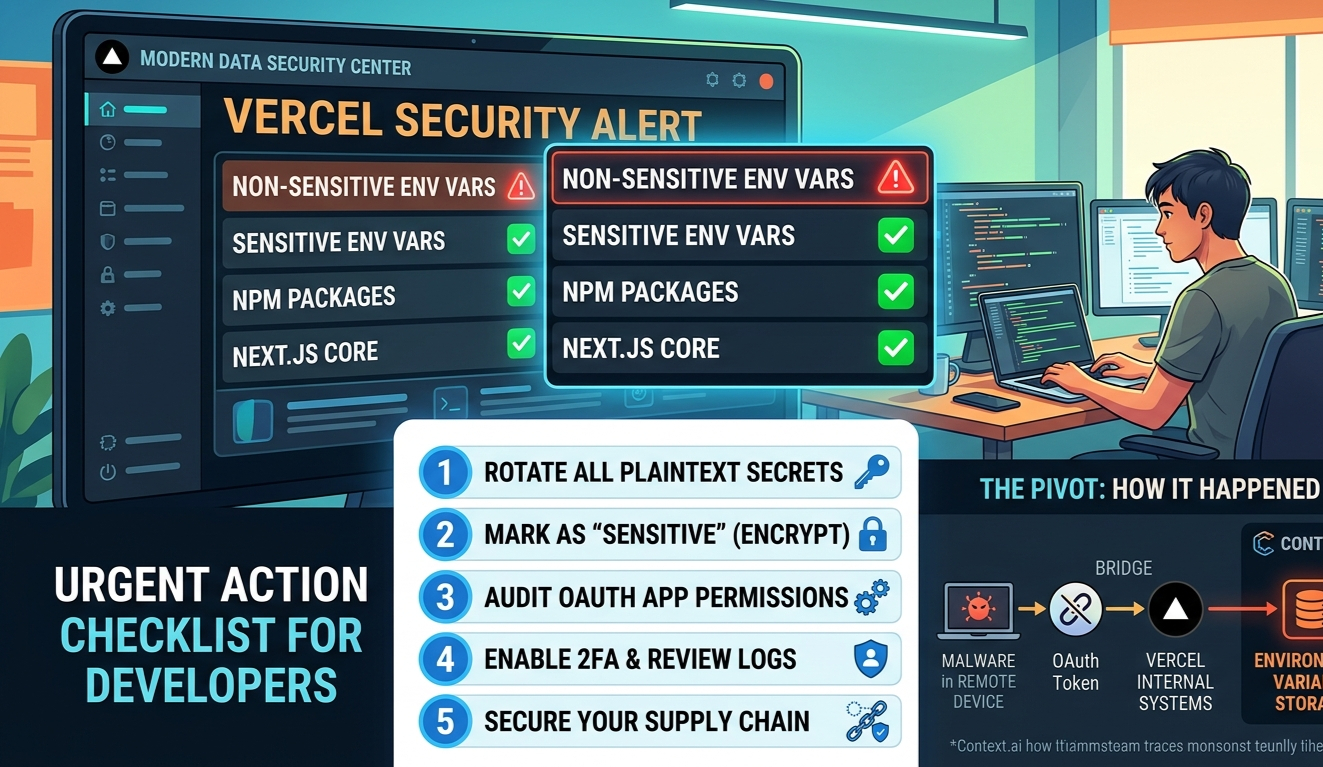
On April 19, 2026, Vercel confirmed a security breach. If you're a Next.js developer with projects on Vercel — and you almost certainly are — this directly affects you. The short version: non-sensitive environment variables from a subset of accounts were compromised. Here's exactly what happened, what was exposed, and what you need to do before you close this tab.
How It Happened
This wasn't a direct Vercel hack. It was a supply chain attack — and the entry point was a third-party AI tool called Context.ai.
The Attack Chain
Context.ai employee compromised
A Context.ai employee downloaded a Roblox exploit script in February 2026. It contained Lumma Stealer malware — silently harvesting credentials and OAuth tokens in the background.
OAuth tokens stolen
Those harvested credentials gave the attacker access to Context.ai's AWS environment, where OAuth tokens belonging to Context.ai's users were exfiltrated — including one tied to a Vercel employee.
Pivot into Vercel
That stolen OAuth token gave the attacker access to the Vercel employee's Google Workspace account — and from there, their Vercel account. They moved through internal systems and reached environment variable storage.
Environment variables decrypted
Non-sensitive env vars — those stored as plaintext — were enumerated and read. API keys, tokens, database credentials, signing keys. A threat actor later claimed to sell the data on BreachForums for $2M.
What was NOT affected
Environment variables marked as "sensitive" were encrypted and show no evidence of access. Vercel also confirmed in collaboration with GitHub, npm, Microsoft, and Socket that no npm packages were compromised. Next.js and Turbopack are safe.
What Was Actually Exposed
| What | Status |
|---|---|
| Non-sensitive env vars (plaintext) | ⚠️ Compromised — rotate immediately |
| Sensitive env vars (encrypted) | ✅ No evidence of access |
| npm packages published by Vercel | ✅ Confirmed safe |
| Next.js / Turbopack | ✅ Not affected |
| Customer source code / deployments | Investigation ongoing |
Your Action Checklist
Vercel's official guidance, translated into plain steps. Do these in order.
Rotate every non-sensitive environment variable
Go to vercel.com/all-env-vars and rotate anything not marked sensitive — API keys, database URLs, tokens, signing secrets. Treat them all as exposed. Deleting the project is not enough — the secrets live beyond the project.
Mark secrets as "Sensitive" going forward
Sensitive env vars are encrypted at rest and cannot be read — even by Vercel internally. Any value you'd never want exposed (DB passwords, private keys, auth secrets) should have this flag enabled. Vercel has also shipped a new team-wide env var management UI to make this easier.
# The ones that should ALWAYS be sensitive:
DATABASE_URL
NEXTAUTH_SECRET
JWT_SECRET
STRIPE_SECRET_KEY
OPENAI_API_KEY
Any private key or signing tokenEnable 2FA on your Vercel account
Go to vercel.com/account/settings/authentication. Set up an authenticator app or passkey. This should have been done already — now there's no excuse.
Check your Google Workspace OAuth apps
The attack vector was a third-party app connected via OAuth with broad Google Workspace permissions. Audit which apps have access to your corporate Google account and revoke anything you don't recognize or actively use. Vercel published this specific OAuth app ID to check for: 110671459871-30f1spbu0hptbs60cb4vsmv79i7bbvqj.apps.googleusercontent.com
Review your activity log and recent deployments
Check vercel.com/activity-log for anything suspicious. Also review recent deployments — if anything looks unfamiliar, delete it and investigate.
The Bigger Lesson
The threat wasn't Vercel — it was a tool a Vercel employee trusted. OAuth apps that connect to your corporate accounts are attack surface. Every "Allow All" permission you click is a potential pivot point. Audit these regularly.
Plaintext env vars are a known risk, and most of us have ignored it. Vercel's "sensitive" flag has existed for a while. This breach is the reason to actually use it — not just for high-profile secrets but for everything you wouldn't want read aloud.
Supply chain attacks are the new normal. This is the same pattern as CircleCI (2023), Codecov, and dozens of others. You are only as secure as the least secure tool in your stack. Keep your OAuth connections minimal, your secrets encrypted, and your 2FA on.
Keep reading.
More from Web Development
Tailwind CSS v4: What Actually Changed (And What It Means for Your Next.js Project)
Tailwind CSS v3 had a good run. Configure your theme in tailwind.config.js, point the content array at your files, done. Then Tailwind CSS v4 shipped in...
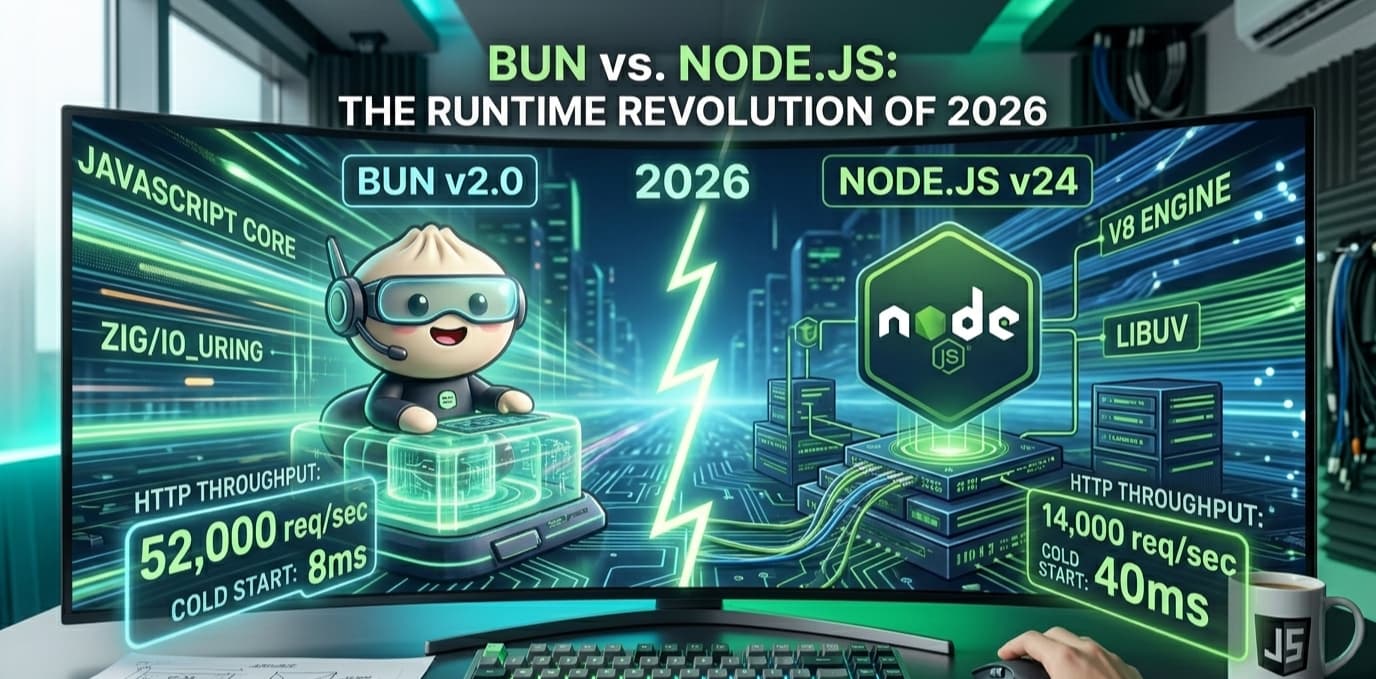
Bun vs Node.js: The Runtime That Changes Everything in 2026
Node.js has run the server-side JavaScript world for fifteen years. It powers everything from startups to Fortune 500 backends. Then in 2023, Bun arrive...
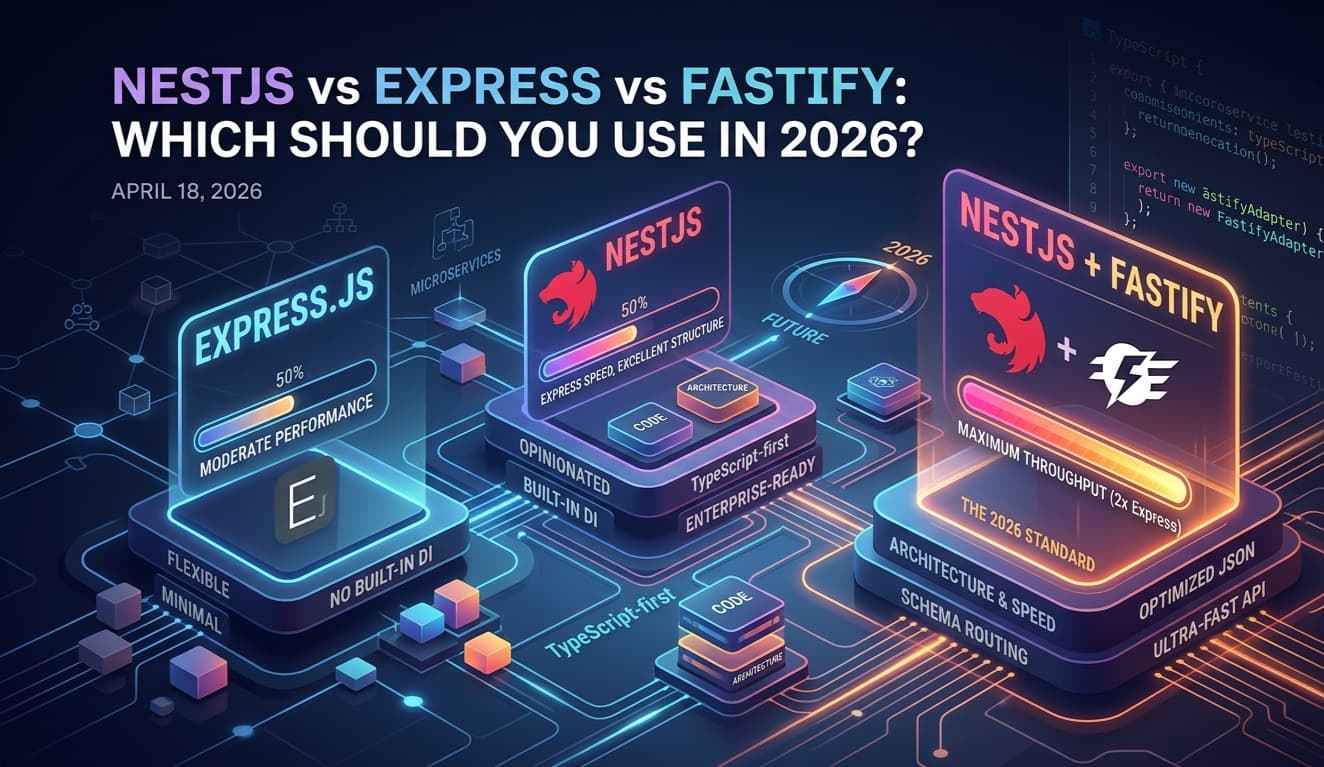
NestJS vs Express vs Fastify: Which Should You Use in 2026?
Express has been the default Node.js backend since 2010. NestJS brought structure and TypeScript to the chaos. But in 2026, there's a third dimension wo...