NestJS vs Express vs Fastify: Which Should You Use in 2026?
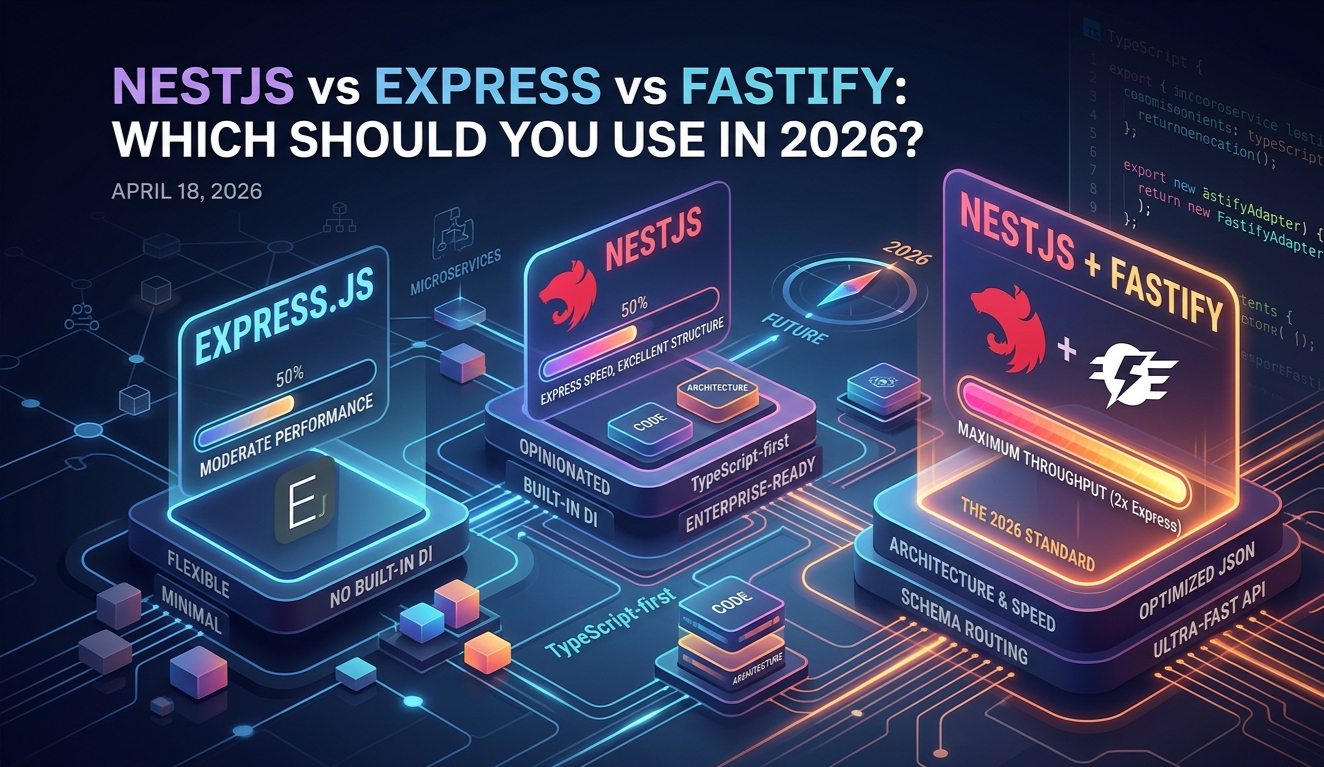
Express has been the default Node.js backend since 2010. NestJS brought structure and TypeScript to the chaos. But in 2026, there's a third dimension worth knowing: Fastify — the high-performance runtime that NestJS can actually run on top of. We break down all three, when to use each, and what the modern combo looks like.
Head-to-Head Comparison Table
| Feature | Express | NestJS | NestJS + Fastify |
|---|---|---|---|
| Language | JS / TS (manual) | TypeScript-first | TypeScript-first |
| Structure | None (DIY) | Opinionated (Modules) | Same as NestJS |
| Performance | Moderate | Moderate | Fastest (~2x Express) |
| Learning Curve | Very Low | Moderate (DI, decorators) | Moderate + adapter |
| Scalability | Manual effort | Excellent | Excellent + fast |
| Built-in DI | No | Yes | Yes |
| WebSockets / Microservices | Via libraries | Built-in | Built-in |
| Ecosystem | Massive (npm) | Large | Large |
| Best For | Quick APIs, scripts | Enterprise apps | High-load enterprise |
Advantages
1. Performance & Speed
Express — The Reliable Old Guard
Express handles ~15,000–20,000 requests/sec in benchmarks. Fast enough for most apps, but its middleware pipeline adds overhead on every request. No built-in TypeScript, no structure — everything is on you.
NestJS (on Express) — Structured but Same Speed
By default, NestJS runs on Express under the hood. You get all the DI, decorators, and module system — but performance is identical to Express. The architecture wins, not the throughput.
NestJS + Fastify — The Real Winner in 2026
Swap Express for Fastify in NestJS with two lines of code. Fastify handles ~30,000–35,000 requests/sec — roughly 2x Express — thanks to its optimized JSON serialization and schema-based routing. You keep all of NestJS's architecture, and gain serious throughput. (Results vary by hardware, payload, and test setup — always benchmark for your specific workload.)
Winner: NestJS + Fastify
Best-in-class structure with best-in-class speed. The combo has matured significantly since 2022 — in 2026 it's production-proven.
2. Developer Experience
Express DX
- →Zero boilerplate to start
- →You define your own structure
- →Great for learning, prototypes
- →Turns messy at scale
NestJS DX
- →Angular-inspired, opinionated
- →DI, Guards, Pipes, Interceptors
- →Excellent for team projects
- →Steep but rewarding curve
NestJS + Fastify DX
- →Same as NestJS — no extra learning
- →Schema validation built-in
- →Swagger stays compatible
- →5-min adapter swap
Switching to Fastify is Almost Free
If you already know NestJS, adding Fastify costs you ~10 minutes. Install @nestjs/platform-fastify, swap the adapter in main.ts, and you're done. The rest of your codebase doesn't change.
3. Scalability & Architecture
Express at Scale — The Hidden Cost
Express scales horizontally fine, but your architecture doesn't scale with your team. There's no enforced module system, no DI container, no standard pattern. At 5+ developers, Express codebases become a convention war. You end up building NestJS manually, badly.
NestJS + Fastify at Scale
NestJS enforces domain boundaries through Modules. Pair it with Fastify's throughput and you get both organizational scale (teams working independently) and infrastructure scale (high-traffic APIs). NestJS also natively supports microservices, gRPC, WebSockets, and message queues — without reaching for separate frameworks.
Winner: NestJS + Fastify
For anything beyond a solo project or quick API, structured architecture saves more time than it costs to learn.
4. The Fastify Swap — How It Actually Works
Default NestJS setup
import { NestFactory } from '@nestjs/core';
import { AppModule } from './app.module';

async function bootstrap() {
  const app = await NestFactory.create(AppModule);
  await app.listen(3000);
}
bootstrap();NestJS + Fastify (2 line change)
import { NestFactory } from '@nestjs/core';
import { FastifyAdapter, NestFastifyApplication } from '@nestjs/platform-fastify';
import { AppModule } from './app.module';

async function bootstrap() {
  const app = await NestFactory.create<NestFastifyApplication>(
    AppModule,
    new FastifyAdapter()
  );
  await app.listen(3000);
}
bootstrap();That's It
Your controllers, services, guards, pipes, and interceptors all stay exactly the same. Fastify is just the HTTP transport layer. NestJS abstracts it cleanly.
5. Job Market & Ecosystem in 2026
Backend Job Demand (2026)
Job listing estimates are approximate and vary by platform and date.
The Real Picture
Express dominates listings, but many roles now say "Express or NestJS." NestJS adoption has grown significantly since 2023, especially in enterprise and fintech. Fastify alone is niche — but knowing it as an addon to NestJS makes you stand out without needing a separate skill.
When to Use Each
Choose Express If:
- ✓Quick prototype or script
- ✓Solo project with no team
- ✓Learning Node.js fundamentals
- ✓Very simple REST API
- ✓Minimal overhead needed
Choose NestJS If:
- ✓Team of 2+ developers
- ✓Enterprise or production app
- ✓Need microservices / WebSockets
- ✓Coming from Angular / Java
- ✓Long-lived, growing codebase
Choose NestJS + Fastify If:
- ✓All the NestJS reasons above
- ✓High-traffic or AI APIs
- ✓Performance is a concern
- ✓Real-time or streaming endpoints
- ✓You want the best combo in 2026
Key Takeaways
Express is still valid — for small APIs, learning, and solo projects. It's not dead, just outgrown.
NestJS wins on architecture — DI, modules, decorators, and built-in microservice support make it the right call for team projects.
NestJS + Fastify is the 2026 combo — same developer experience, ~2x the throughput. The adapter swap takes minutes.
Don't learn Fastify standalone — learn it as a NestJS transport. That's where it adds the most value without extra complexity.
Ready to Pick?
Building something quick? Start with Express. Shipping a production product in 2026? Go NestJS from day one — and swap in Fastify when load demands it. The migration costs nothing, the performance gains are real.
Keep reading.
More from Web Development
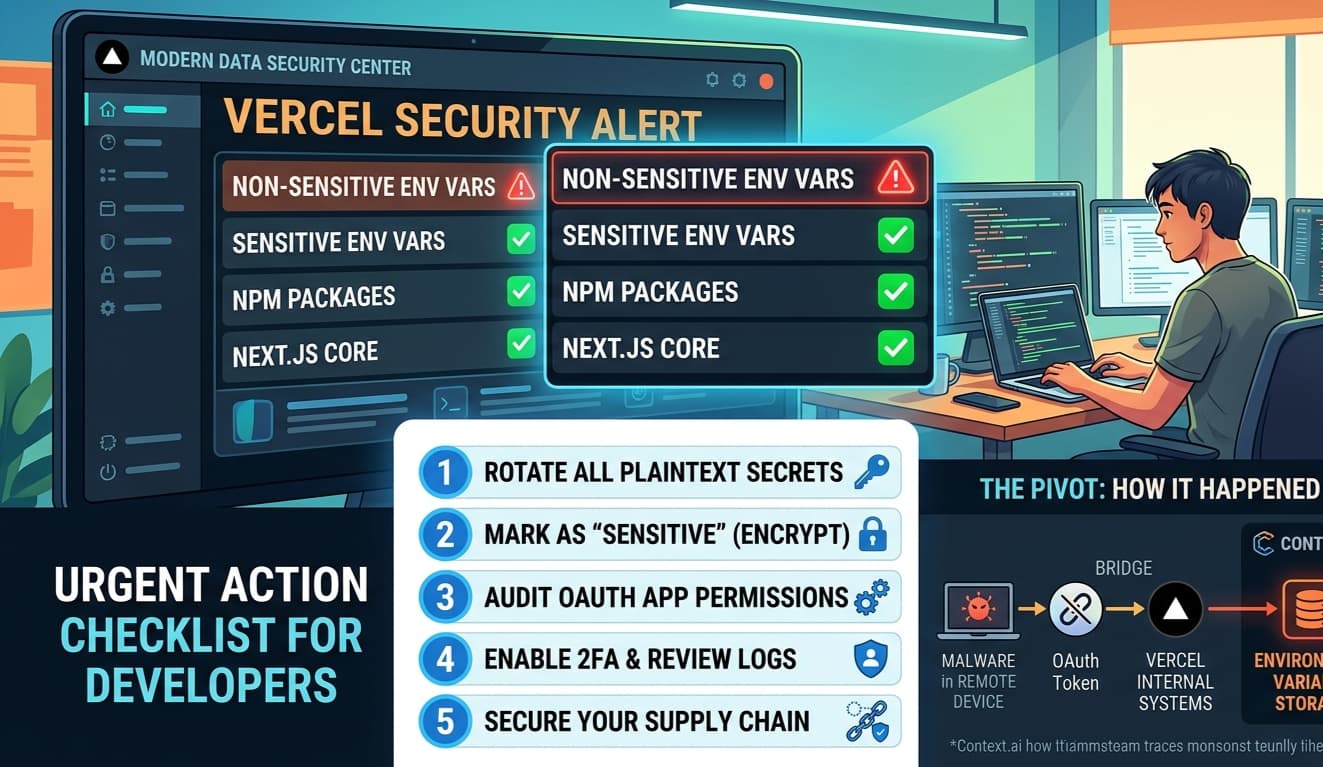
The Vercel Breach — What Every Next.js Developer Needs to Do Right Now
On April 19, 2026, Vercel confirmed a security breach. If you're a Next.js developer with projects on Vercel — and you almost certainly are — this direc...
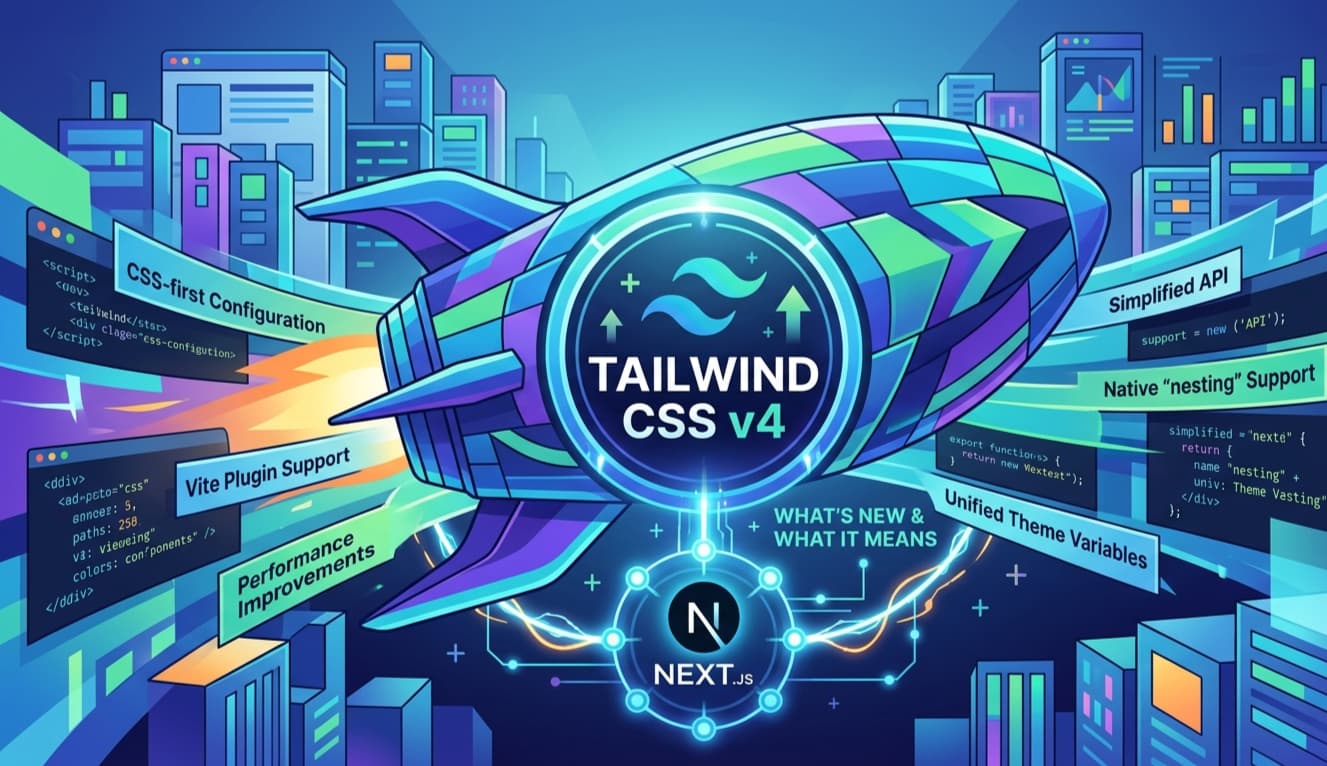
Tailwind CSS v4: What Actually Changed (And What It Means for Your Next.js Project)
Tailwind CSS v3 had a good run. Configure your theme in tailwind.config.js, point the content array at your files, done. Then Tailwind CSS v4 shipped in...

Bun vs Node.js: The Runtime That Changes Everything in 2026
Node.js has run the server-side JavaScript world for fifteen years. It powers everything from startups to Fortune 500 backends. Then in 2023, Bun arrive...