Tailwind CSS v4: What Actually Changed (And What It Means for Your Next.js Project)
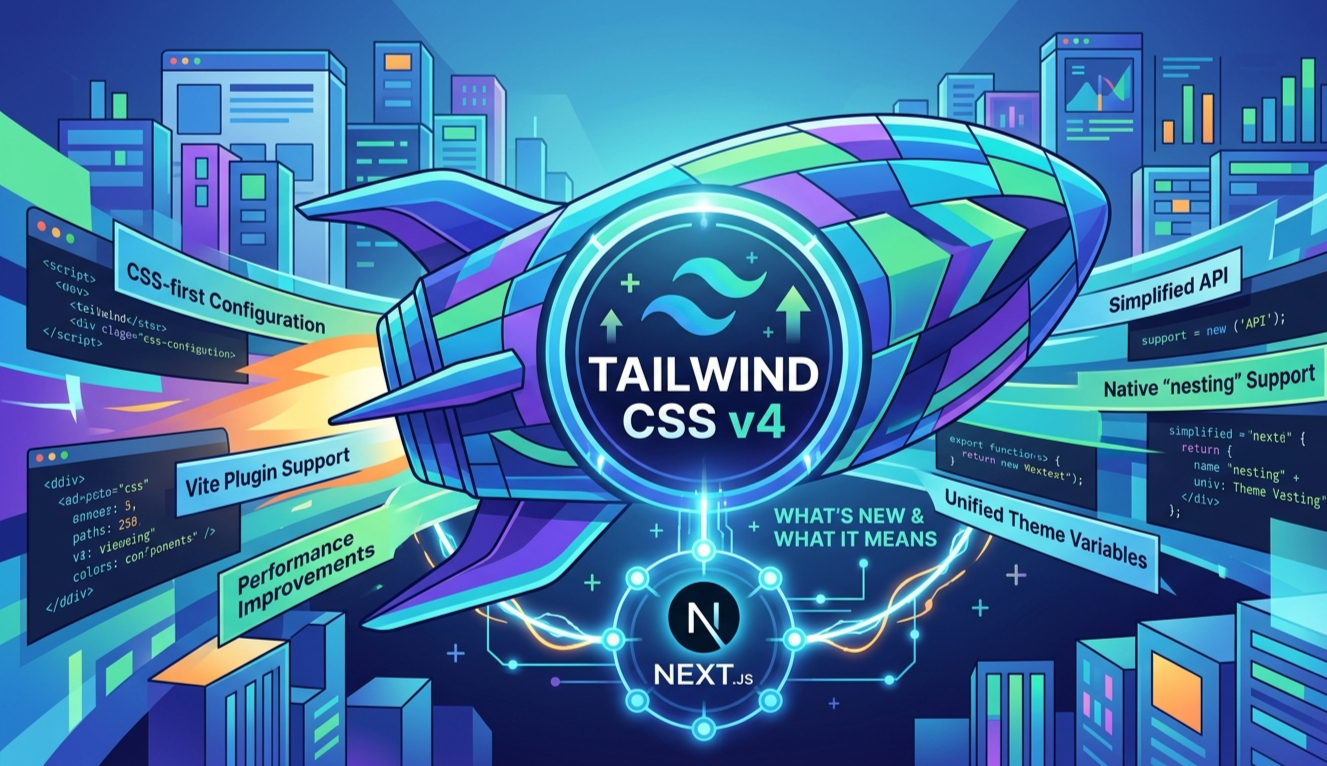
Tailwind CSS v3 had a good run. Configure your theme in tailwind.config.js, point the content array at your files, done. Then Tailwind CSS v4 shipped in early 2025 — and it's not an incremental update. It's a rethink. No config file. No PostCSS dependency. CSS variables as first-class citizens. A new engine called Oxide that makes builds feel instant. I've been running v4 in a real Next.js project — the QuickPU result portal — and this is what actually changed in practice.
The Biggest Shift — CSS-First Configuration
In v3, your design system lived in JavaScript. In v4, it lives in CSS. This isn't just a DX change — it fundamentally changes how Tailwind integrates with your browser and your toolchain.
Tailwind v3 — JavaScript Config
// tailwind.config.js
module.exports = {
  content: [
    './src/**/*.{js,ts,jsx,tsx}',
    './app/**/*.{js,ts,jsx,tsx}',
  ],
  theme: {
    extend: {
      colors: {
        brand: '#6366f1',
        surface: '#f8fafc',
      },
      fontFamily: {
        sans: ['Inter', 'sans-serif'],
      },
    },
  },
  plugins: [],
}
// postcss.config.js
module.exports = {
plugins: {
tailwindcss: {},
autoprefixer: {},
},
}Tailwind v4 — CSS-First
/* globals.css */
@import "tailwindcss";
@theme {
--color-brand: oklch(62% 0.19 264);
--color-surface: oklch(98% 0.005 264);
--font-sans: "Inter", sans-serif;
}
/* That's it. No tailwind.config.js.
Next.js needs a thin postcss.config.mjs,
but Vite-based projects need zero config files.
Content detection is automatic. */
Why This Matters
Your design tokens are no longer trapped in a JS build step — they're real CSS variables at runtime. Your browser DevTools can read them. Your CSS can reference them. Other tools can consume them. The design system becomes part of the cascade, not an abstraction on top of it.
What Changed In Practice
oklch Colors — The Palette Is Different Now
Tailwind v4 ships with a brand-new default color palette built entirely in oklch — a perceptually uniform color space that maps closer to how the human eye sees color. Every shade from slate-50 to slate-950 is now a CSS custom property.
v3 vs v4 — How Colors Are Defined
v3 — Hex at build time
/* Compiled to static hex values */
.bg-blue-500 {
  background-color: #3b82f6;
}
/* No CSS variable. No runtime access. */
v4 — oklch CSS variables
/* Compiled to CSS custom properties */
:root {
  --color-blue-500: oklch(62.3% 0.214 259);
}
.bg-blue-500 {
  background-color: var(--color-blue-500);
}
/* Live in DevTools. Themeable at runtime. */
Real benefit #1 — Dark mode is simpler
@theme {
  --color-bg: oklch(98% 0 0);
  --color-text: oklch(15% 0 0);
}
@media (prefers-color-scheme: dark) {
:root {
--color-bg: oklch(12% 0 0);
--color-text: oklch(95% 0 0);
}
}
/* One override. Everything using these
tokens updates automatically. /
Real benefit #2 — Opacity just works
/ v3 — opacity modifier broke
with CSS variables /
bg-blue-500/50 / sometimes broke */
/* v4 — oklch has a dedicated
alpha channel, always correct /
bg-blue-500/50 / always works */
/* Even custom theme colors /
bg-brand/30 / works perfectly */What this means for your design system
Every color token you define in @theme is automatically available as a CSS variable, a Tailwind utility class, and accessible from JavaScript via getComputedStyle. One source of truth. No synchronization needed.
The @theme Directive — Your Entire Design System in CSS
The @theme directive replaces theme.extend entirely. You define CSS variables with a specific naming convention and Tailwind generates the utility classes automatically.
A real-world @theme setup
@import "tailwindcss";
@theme {
/* Colors → bg-, text-, border-* utilities */
--color-primary: oklch(62% 0.19 264);
--color-primary-foreground: oklch(98% 0.005 264);
--color-surface: oklch(97% 0.008 264);
--color-muted: oklch(92% 0.008 264);
/* Spacing → p-, m-, gap-* utilities */
--spacing-18: 4.5rem;
--spacing-88: 22rem;
/* Typography → font-* utilities */
--font-display: "Cal Sans", "Inter", sans-serif;
--font-body: "Inter", sans-serif;
/* Border radius → rounded-* utilities */
--radius-card: 1rem;
--radius-badge: 0.375rem;
/* Shadows → shadow-* utilities */
--shadow-card: 0 1px 3px oklch(0% 0 0 / 8%), 0 4px 16px oklch(0% 0 0 / 6%);
}
/* Now you can use:
bg-primary, text-primary-foreground
p-18, gap-88, font-display
rounded-card, shadow-card
All generated from your CSS variables. */Naming convention is the key
--color-* → color utilities |
--spacing-* → spacing |
--font-* → font families |
--radius-* → border radius |
--shadow-* → box shadows. Tailwind reads the prefix and generates the right utilities automatically.
Build Speed — The Oxide Engine
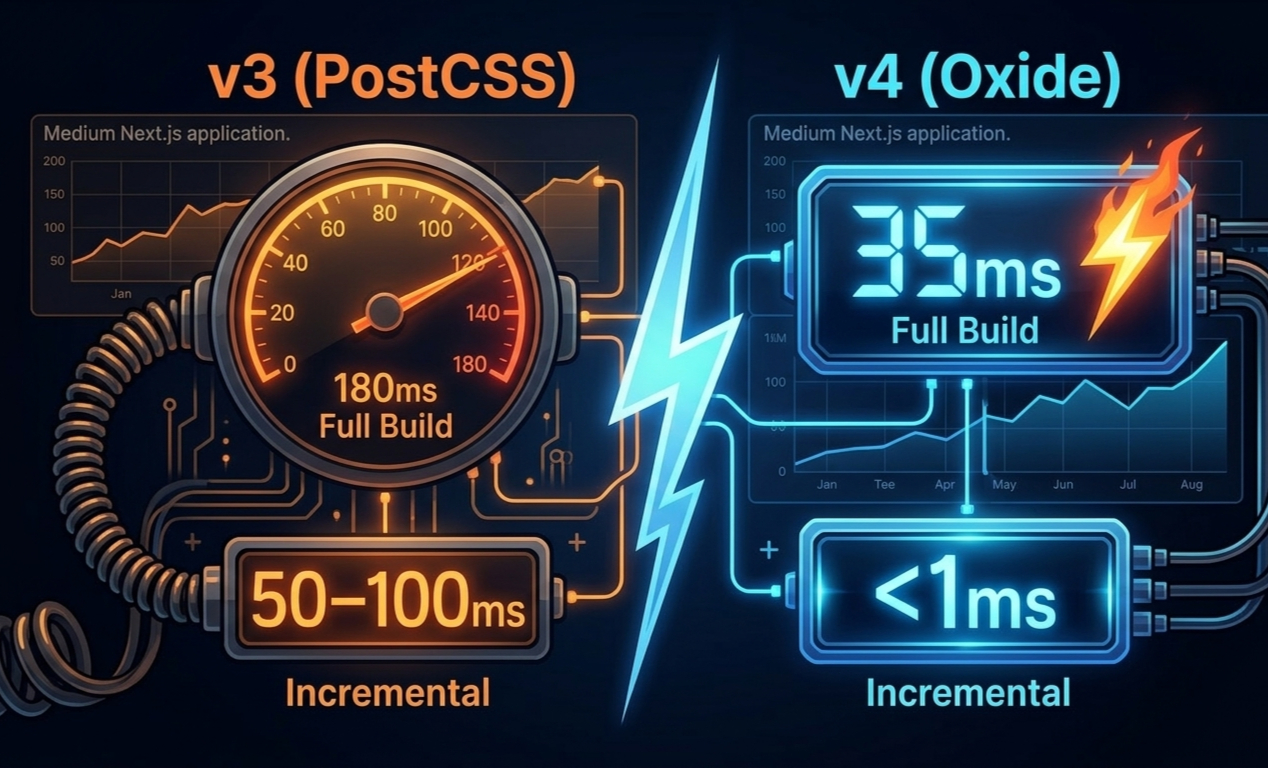
Build Performance — v3 (PostCSS) vs v4 (Oxide)
Medium Next.js application. The incremental difference is the one you feel in daily development.
What powers Oxide
Lightning CSS — replaces PostCSS as the parser. Rust-based, significantly faster at CSS transformation.
No PostCSS dependency — fewer build steps, fewer tools in the chain, less overhead per save.
Automatic content detection — v4 scans your project automatically. No content array needed, no missed files when you add new directories.
Incremental by design — Oxide only reprocesses what changed. Sub-millisecond HMR is the result.
New Utilities Worth Knowing
| Utility / Feature | What It Does | v3? |
|---|---|---|
| field-sizing-content | Textarea auto-grows with content. No JS resize hack needed. | No |
| not-* | not-hover:opacity-50 — apply styles when variant is NOT active. Useful for reducing state complexity. |
No |
| inert | Style elements that have the inert attribute (disabled, non-interactive). |
No |
| nth-child / nth-last | nth-3:bg-muted — target specific children without custom CSS selectors. |
No |
| @container (built-in) | Container queries work out of the box. No plugin needed unlike v3. | Plugin only |
| starting | CSS @starting-style — animate elements from display:none without JavaScript. |
No |
| @utility | Define custom utility classes that participate in Tailwind's variant system (hover:, dark:, md: etc.). |
@layer only |
Migrating a Real Next.js Project
I migrated the QuickPU portal from v3 to v4. Here's the actual process — what was smooth, what needed attention.
Step 1 — Upgrade packages
# Install v4 + the Next.js Vite plugin (or PostCSS compat layer)
npm install tailwindcss @tailwindcss/postcss
If using Next.js (PostCSS-based):
postcss.config.mjs
export default {
plugins: {
'@tailwindcss/postcss': {},
},
}
Step 2 — Replace your CSS entry point
/* globals.css — before (v3) */
@tailwind base;
@tailwind components;
@tailwind utilities;
/* globals.css — after (v4) */
@import "tailwindcss";
/* Move your theme.extend here /
@theme {
--color-primary: oklch(62% 0.19 264);
--font-sans: "Inter", sans-serif;
/ ... rest of your tokens */
}
Step 3 — Run the codemod (handles most of it)
# Official v4 upgrade tool — migrates your config automatically
npx @tailwindcss/upgrade
What it handles:
✓ Converts tailwind.config.js → @theme block
✓ Updates @tailwind directives → @import
✓ Renames changed utility classes (shadow-sm → shadow-xs etc.)
✓ Updates deprecated class names
What the codemod won't fix — manual review list
Renamed utilities
Several class names changed: shadow-sm → shadow-xs, shadow → shadow-sm, blur-sm → blur-xs. The codemod handles these, but always do a visual pass after.
Third-party component libraries
Libraries like shadcn/ui, Headless UI, or others that ship their own Tailwind config may need manual reconciliation with your @theme setup.
Custom plugins using the JS API
v3 plugins built with plugin() still work in v4 via compatibility mode, but native v4 alternatives (@utility, @variant) are simpler and more portable.
Should You Migrate Now?
Stay on v3 if:
- →Your project ships to production soon and is already working — don't introduce risk before launch
- →You rely on a third-party UI library that hasn't announced v4 compatibility yet
- →Your team is on a deadline and the migration is a "nice to have"
- →You have a large codebase with extensive custom plugin logic
Migrate to v4 if:
- ✓Starting a new project in 2025/2026 — there's no reason to start on v3
- ✓You want your design tokens as actual CSS variables (runtime theming, DevTools visibility)
- ✓HMR speed matters to you — sub-millisecond incremental builds change the dev experience
- ✓You're building a dark-mode-first or heavily themed UI
- ✓You want container queries,
not-*, andfield-sizingwithout plugins
Key Takeaway
This is a real architectural shift, not a version bump. CSS-first configuration means your design system is part of the cascade — not a JS abstraction on top of it. That has downstream effects on how you think about theming and tokens.
oklch is better than hex for UI work. Perceptually uniform, P3-wide, and with a working opacity modifier. Once you start defining colors in oklch you'll find the v3 palette looked a bit washed out in comparison.
The codemod handles 90% of the migration. Run npx @tailwindcss/upgrade, do a visual review, fix the edge cases. For a medium Next.js project expect 30–60 minutes of work, not days.
New projects should start on v4 today. The config overhead of v3 (multiple files, content paths, PostCSS setup) is gone. One import, one @theme block, done.
The incremental build speed is the quiet win. ~5× faster full builds is impressive on paper. But <1ms HMR is what you'll feel every day — and that compounds across hundreds of saves per session.
Keep reading.
More from Web Development
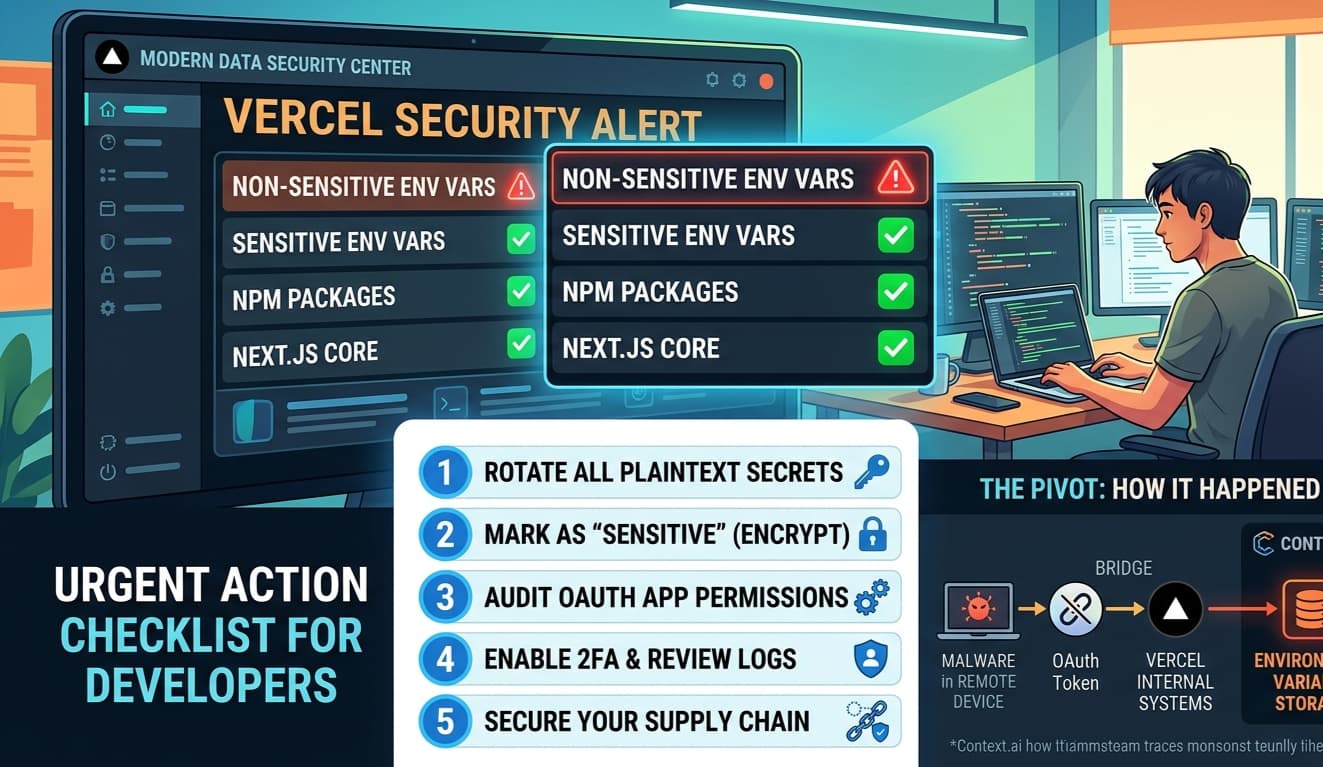
The Vercel Breach — What Every Next.js Developer Needs to Do Right Now
On April 19, 2026, Vercel confirmed a security breach. If you're a Next.js developer with projects on Vercel — and you almost certainly are — this direc...
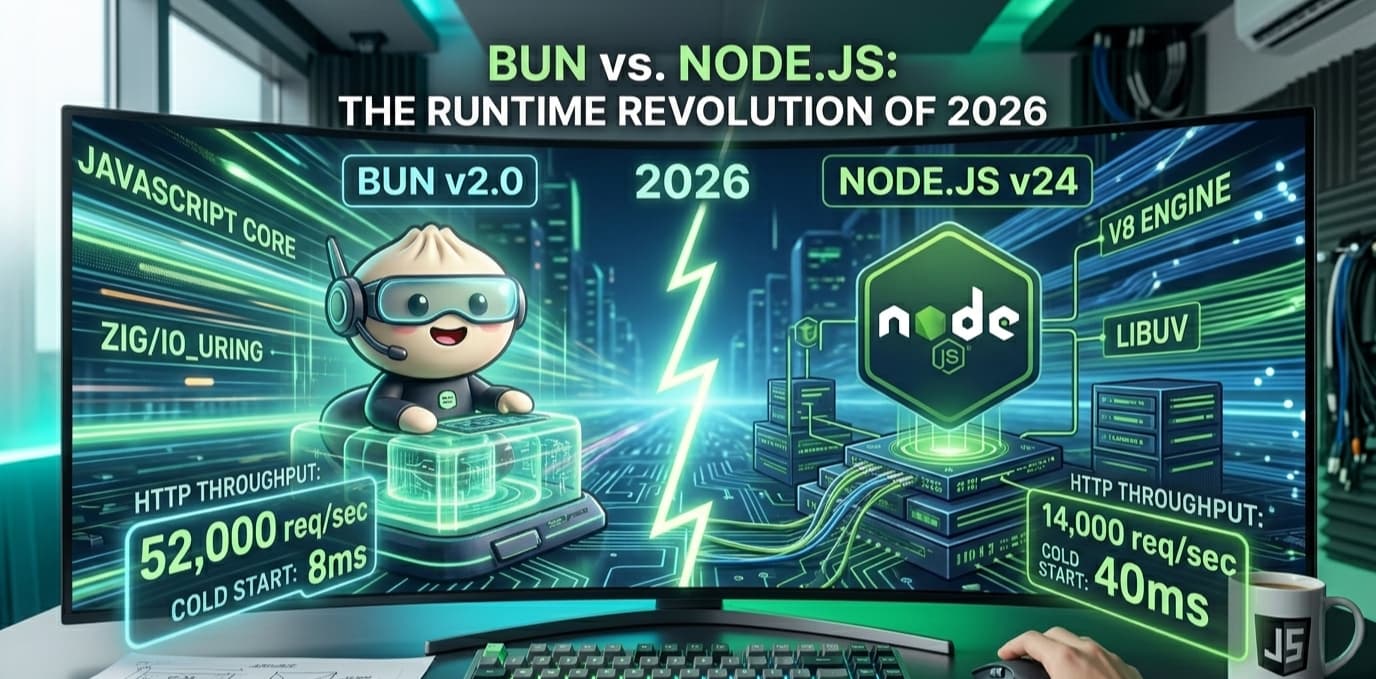
Bun vs Node.js: The Runtime That Changes Everything in 2026
Node.js has run the server-side JavaScript world for fifteen years. It powers everything from startups to Fortune 500 backends. Then in 2023, Bun arrive...
NestJS vs Express vs Fastify: Which Should You Use in 2026?
Express has been the default Node.js backend since 2010. NestJS brought structure and TypeScript to the chaos. But in 2026, there's a third dimension wo...