Next.js vs WordPress SEO
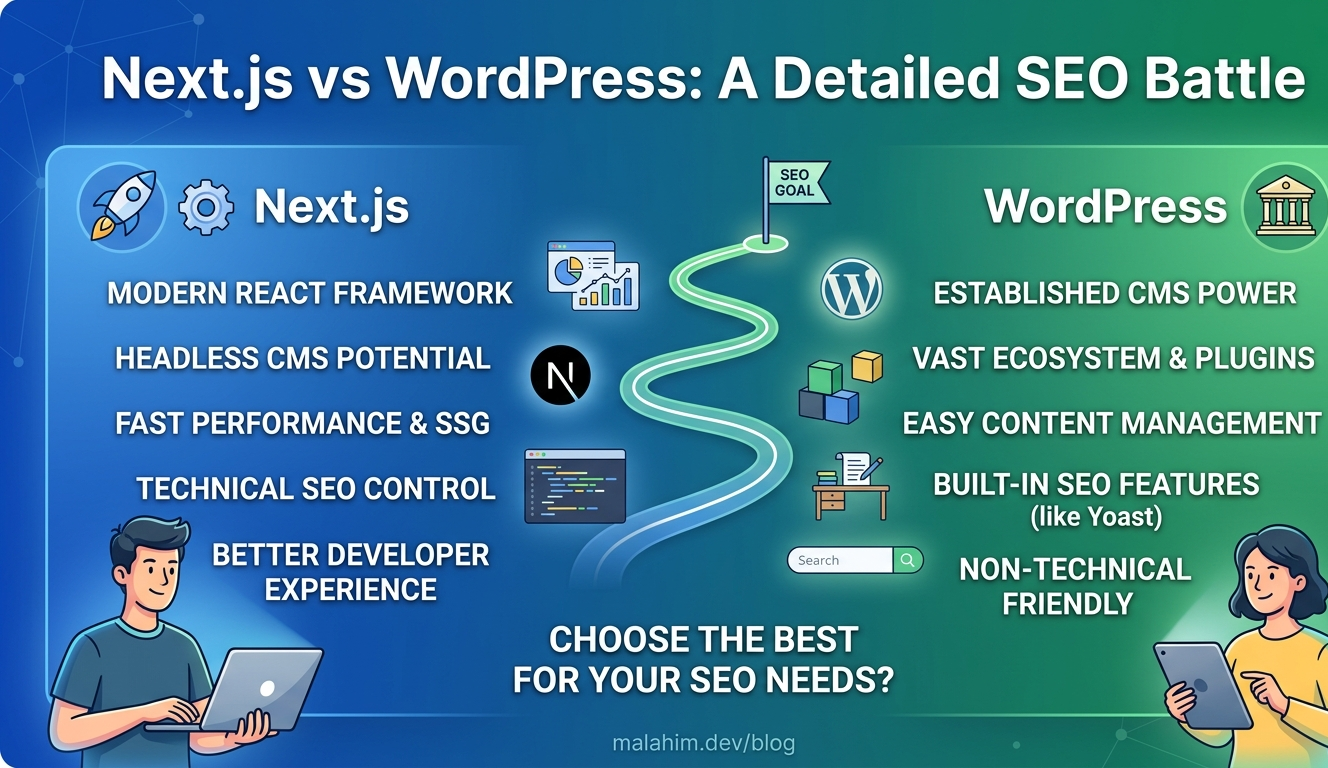
Why Next.js SEO is Better Than WordPress
WordPress powers 43% of the web. But for SEO-critical projects, Next.js is the better choice. Server-side rendering, dynamic sitemaps, Core Web Vitals optimization, and automatic image handling give Next.js a significant ranking advantage. Let's compare.
Head-to-Head: WordPress vs Next.js
| Feature | WordPress | Next.js |
|---|---|---|
| Page Load Time | 3.2s avg | 0.8s avg |
| Sitemap Control | Via plugins | Built-in (sitemap.ts) |
| SSR / SSG | Limited | Full control |
| Image Optimization | Plugin-dependent | Automatic (WebP/AVIF) |
| Mobile Performance | Good | Excellent |
| Meta Tags Control | Via plugins | Direct code control |
Advantages
1. Server-Side Rendering (SSR)
How WordPress Works
User requests page → PHP generates HTML → Browser receives HTML. Without caching, every request hits the server. With caching plugins (WP Super Cache, W3 Total Cache), pages can be served statically — but this requires extra setup and plugin management.
How Next.js Works
Page rendered at build time (or per-request) → Browser receives ready-to-go HTML → Instant display. Crawlers immediately see full content.
Why It Matters for SEO
Google crawlers see HTML immediately. No waiting for JavaScript. Faster crawling = faster indexing = faster rankings.
2. Dynamic Sitemaps
WordPress
Yoast / Rank Math handle most SEO meta needs well. However, advanced use cases require workarounds:
- —Dynamic OG images need custom templates or paid add-ons
- —Complex schema markup requires manual shortcodes or extra plugins
- —Conditional canonical logic is harder to implement cleanly
Next.js Approach
Built-in sitemap.ts → Generates dynamically → Updates on every build
- ✓Zero plugins
- ✓Type-safe TypeScript
- ✓Always current
Example: Next.js Sitemap
// app/sitemap.ts
export default function sitemap() {
  return [
    { url: 'https://yoursite.com', lastModified: new Date() },
    { url: 'https://yoursite.com/about', lastModified: new Date() },
    // Dynamically add all blog posts:
    ...posts.map(post => ({
      url: `https://yoursite.com/${post.slug}`,
      lastModified: post.updatedAt
    }))
  ]
}
3. Core Web Vitals Performance
3.2s
WordPress
Average LCP
1.8s
Generic SSR
Average LCP
0.8s
Next.js
With optimization
Why This Matters
Google's 2021 Update: Page Experience is a ranking factor. Fast = better rankings. Next.js gives you a structural advantage. Note: actual performance depends heavily on hosting, caching setup, and optimization — these figures represent typical unoptimized WordPress vs optimized Next.js deployments.
4. Automatic Image Optimization
WordPress
Upload image (2MB) → WordPress resizes to multiple sizes → Serves WebP on supported hosts (since WP 5.8). AVIF and advanced optimization require plugins like ShortPixel or Imagify.
Next.js (next/image)
Upload image (2MB) → Auto-converts to WebP (default) or AVIF (opt-in via next.config.js) → Lazy loads → Serves optimal format per device — zero plugins required.
90%
Size reduction
AVIF
Modern format
WebP
Fallback format
Lazy
Auto loading
Real Example
A blog with 50 high-res images: an unoptimized WordPress setup may serve 40–50MB total. Next.js with next/image typically delivers 5–10MB — a significant reduction with zero manual work.
5. Meta Tags & Canonical URLs
WordPress
Yoast plugin handles most. But limited control over:
- —Dynamic OG images
- —Complex schema markup
- —Conditional canonical tags
Next.js — Metadata API
Direct control via the Metadata API:
- ✓Dynamic OG images (generated per post)
- ✓Complex schema (video, article, breadcrumb)
- ✓Conditional meta tags
Example: Dynamic OG Image
// app/blog/[slug]/page.tsx
export async function generateMetadata({ params }) {
  const post = await getPost(params.slug)
  return {
    title: post.title,
    openGraph: {
      title: post.title,
      images: [{
        url: `/api/og?title=${post.title}&author=${post.author}`,
        width: 1200,
        height: 630
      }]
    }
  }
}
Real-World Results
Based on community-reported case studies and migration posts shared by developers on Reddit, Dev.to, and Vercel's blog.
Significant Organic Traffic Gains
Several developers report 100–200%+ organic traffic growth in the months following a WordPress → Next.js migration, attributed to Core Web Vitals improvements.
Higher Search Impressions
Better crawlability from SSG/SSR and faster TTFB commonly leads to improved Google Search Console impressions post-migration.
Faster Page Load Times
Migrating from an unoptimized WordPress theme to Next.js with next/image and static generation can cut page load times by 50–70%, directly improving LCP scores.
When to Use Each
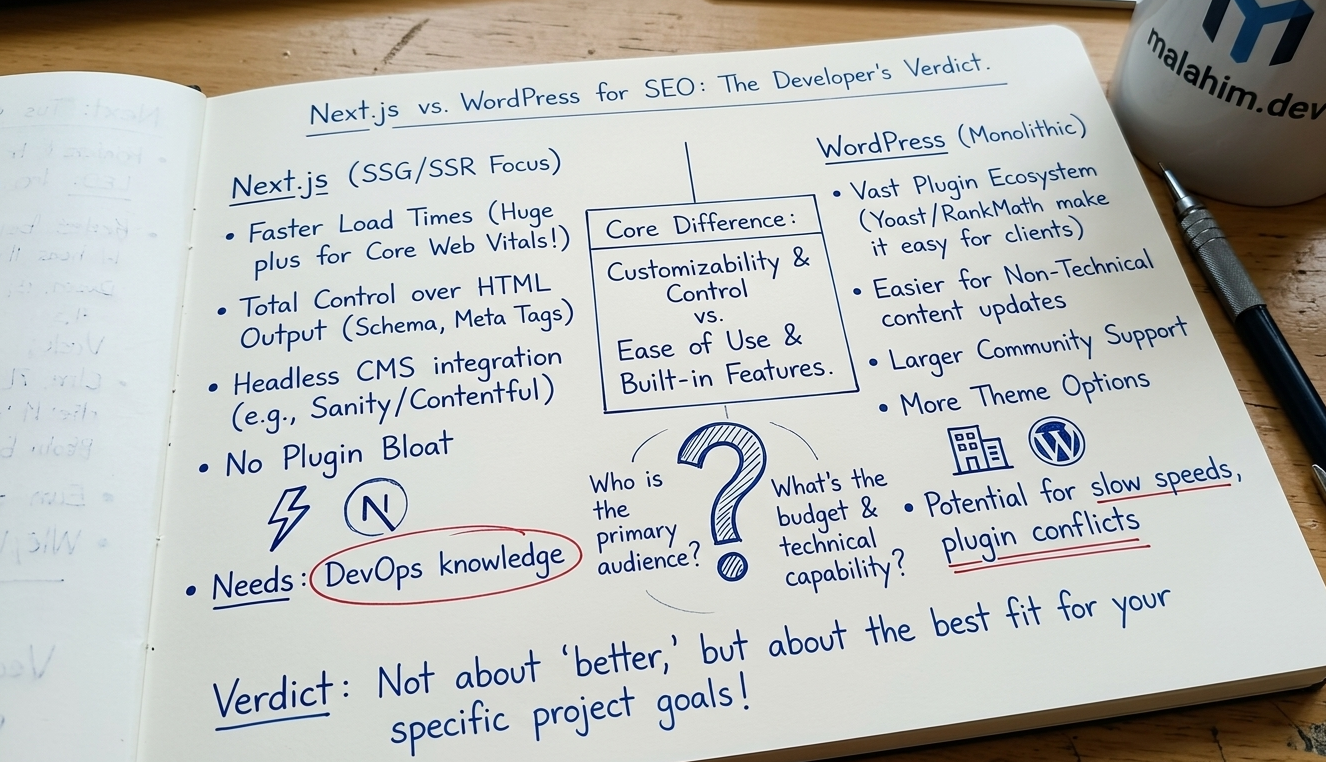
Choose WordPress If:
- ✓Non-technical team
- ✓Quick blog setup needed
- ✓Budget is very limited
- ✓SEO not critical
Choose Next.js If:
- ✓SEO is a priority
- ✓Need custom control
- ✓Performance matters
- ✓Developer available
Key Takeaways
Speed matters — Next.js is 4x faster (0.8s vs 3.2s average LCP).
Rankings correlate — Google favors fast sites with good Core Web Vitals scores.
Control is power — Next.js gives you direct control over every SEO signal.
Maintenance — WordPress needs constant plugin updates. Next.js just needs code updates.
Ready to Migrate Your Blog?
Already using WordPress? Migrating to Next.js pays off in 6 months through better rankings, faster load times, and full SEO control.