AI Code Reviewer — I Built a Self-Hostable GitHub PR Reviewer with FastAPI, Redis and Docker
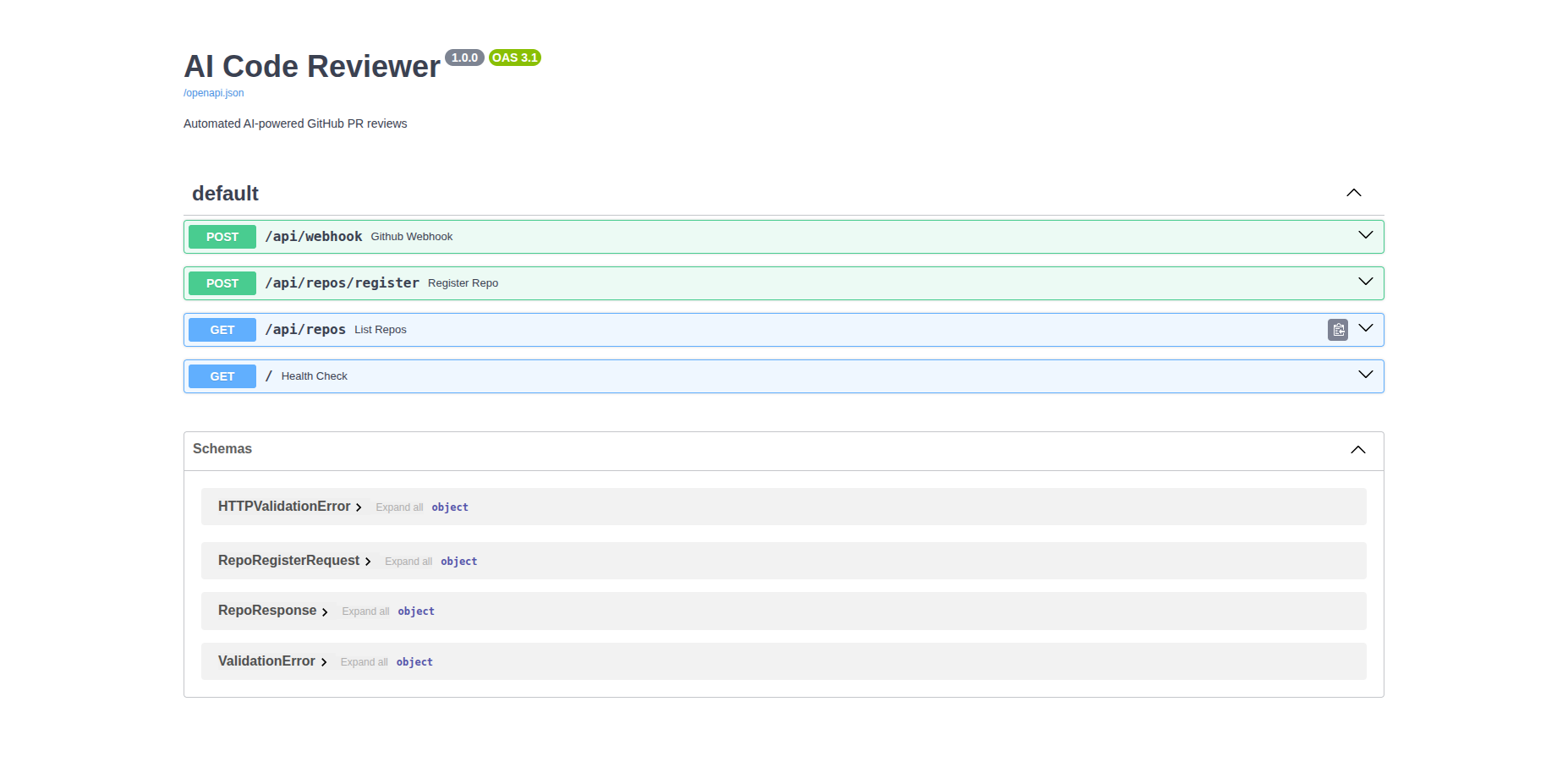
A self-hostable API that watches your GitHub PRs and posts an AI review comment automatically. You open a PR — a bot comments within seconds. No dashboard, no copy-paste, just a webhook.
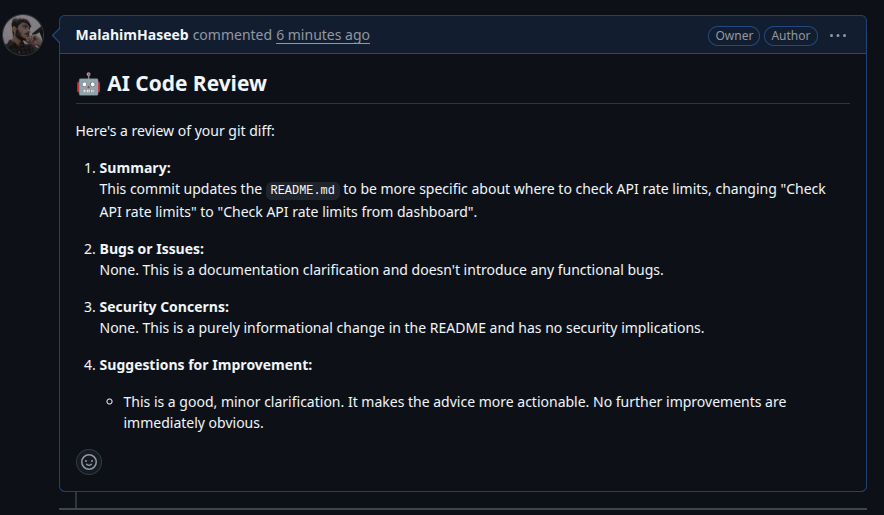
How It Works
The flow is fully event-driven. GitHub fires a webhook, the job goes into Redis immediately so the response is instant, and a background worker handles the slow LLM call separately.
Webhook received
GitHub sends a signed POST to your API when a PR is opened or updated.
Signature verified
HMAC-SHA256 check. Invalid signature returns 401 before anything else runs.
Job pushed to Redis
API returns 200 immediately. GitHub has a ~3s timeout — LLM calls take 5–15s, so the queue is not optional.
Worker fetches diff + calls Gemini
Background worker pulls the job, fetches the actual diff from GitHub, sends it to Gemini.
Comment posted, review saved
Review goes back to the PR as a comment. Diff and AI response saved to PostgreSQL.
Webhook → Verify → Redis → Worker → Gemini → PR Comment → PostgreSQL
The Stack
| Tech | Role |
|---|---|
| FastAPI | Webhook receiver, REST routes |
| PostgreSQL | Stores repos, PR reviews, diffs |
| Redis | Async job queue between API and worker |
| Docker Compose | Runs all 4 services with one command |
| Gemini | Reviews the diff, returns structured feedback |
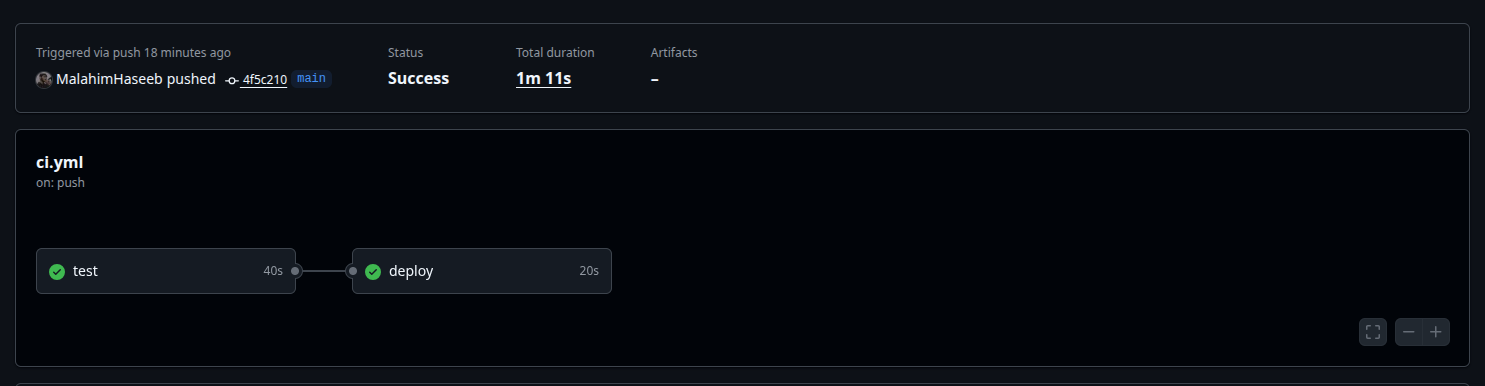
| Pytest + GitHub Actions | 8 tests, CI runs on push, CD auto-deploys to EC2 |
Notes
Redis is not optional here. GitHub marks your webhook failed if it doesn't get a response in time. The queue exists purely to decouple the fast part (receive + acknowledge) from the slow part (LLM call).
Secrets never touch the repo. Everything sensitive lives in .env which is gitignored. CI uses dummy values, EC2 has its own .env set manually.
Self-hosted by design. You run it with your own GitHub token against your own repos. No OAuth, no multi-tenant complexity. That keeps the architecture simple and the repo useful as a reference.
Run It
git clone https://github.com/MalahimHaseeb/ai-code-reviewer
cd ai-code-reviewer
cp .env.example .env
# add GEMINI_API_KEY, GITHUB_TOKEN, GITHUB_WEBHOOK_SECRET

docker compose up --build
Register your repo, point a GitHub webhook at /api/webhook, open a PR. Full setup in the README.
Keep reading.
More from Project Showcases
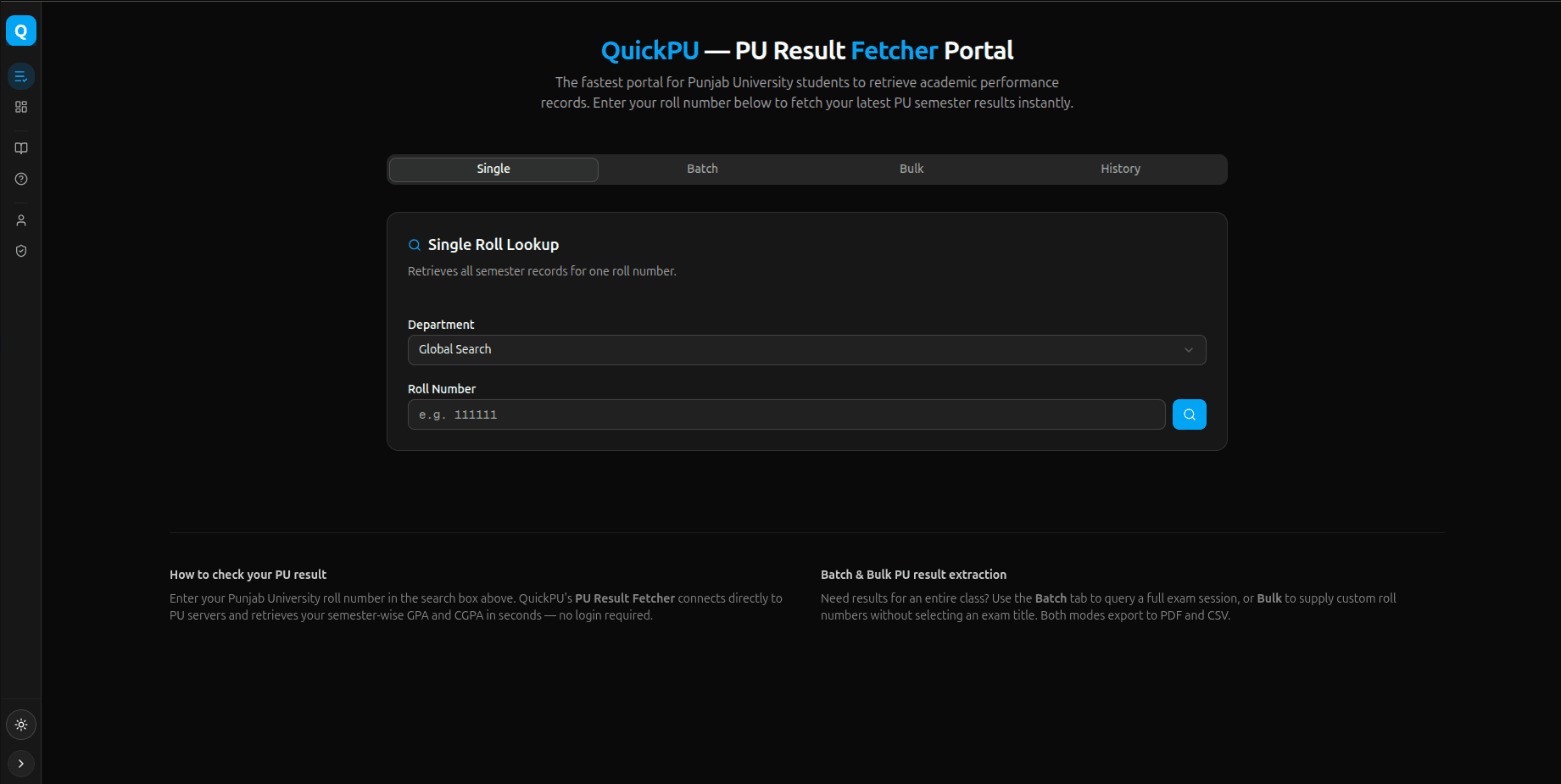
QuickPU - Result Portal
Getting your Punjab University results is tedious. You visit the portal, search for one semester, note the grades, go back, search again for the next se...
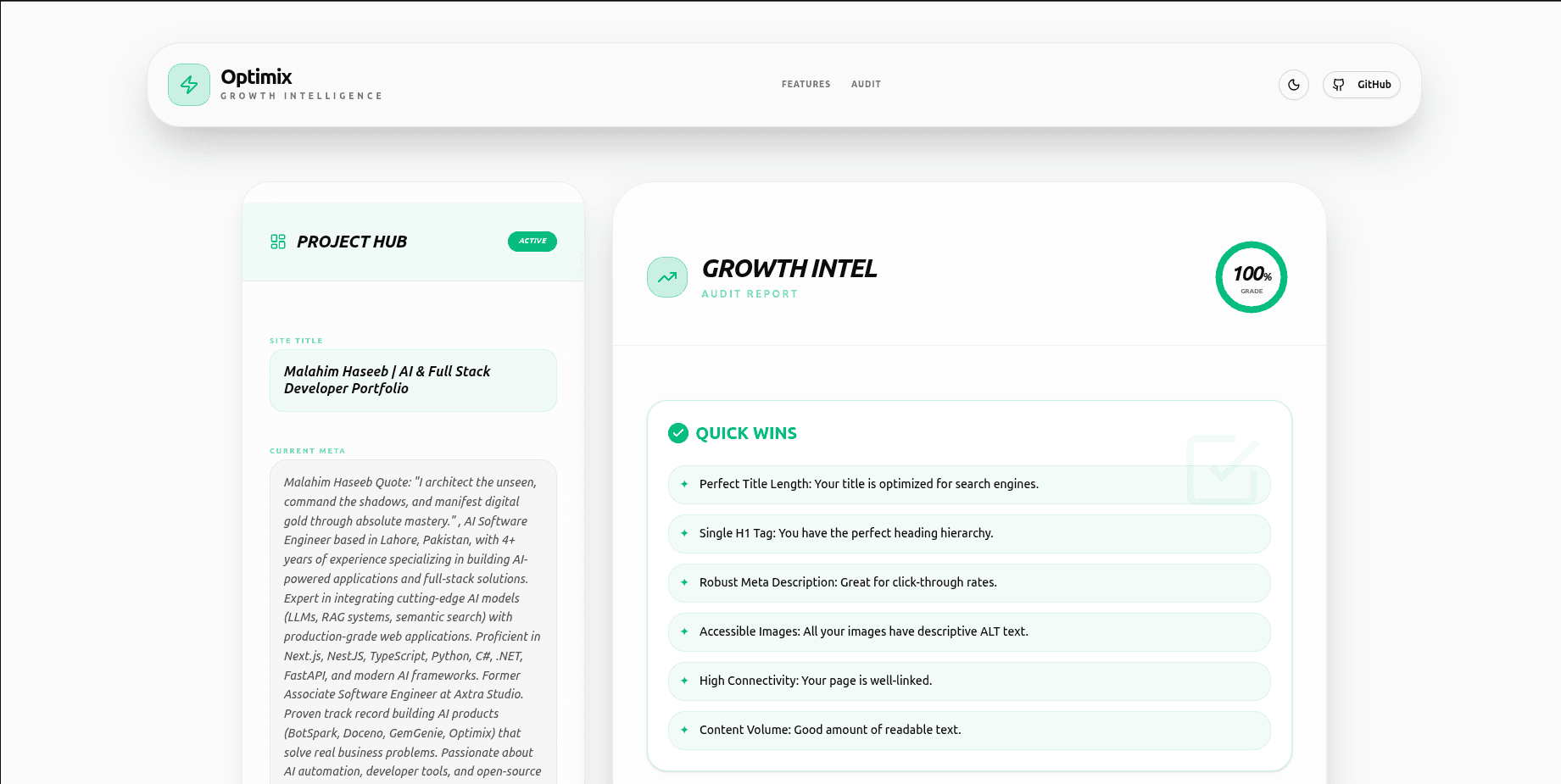
Optimix - Web Analysis Tool
Most SEO and performance tools collect your website data and send it to their servers. Optimix is different. We built a local intelligence engine that a...
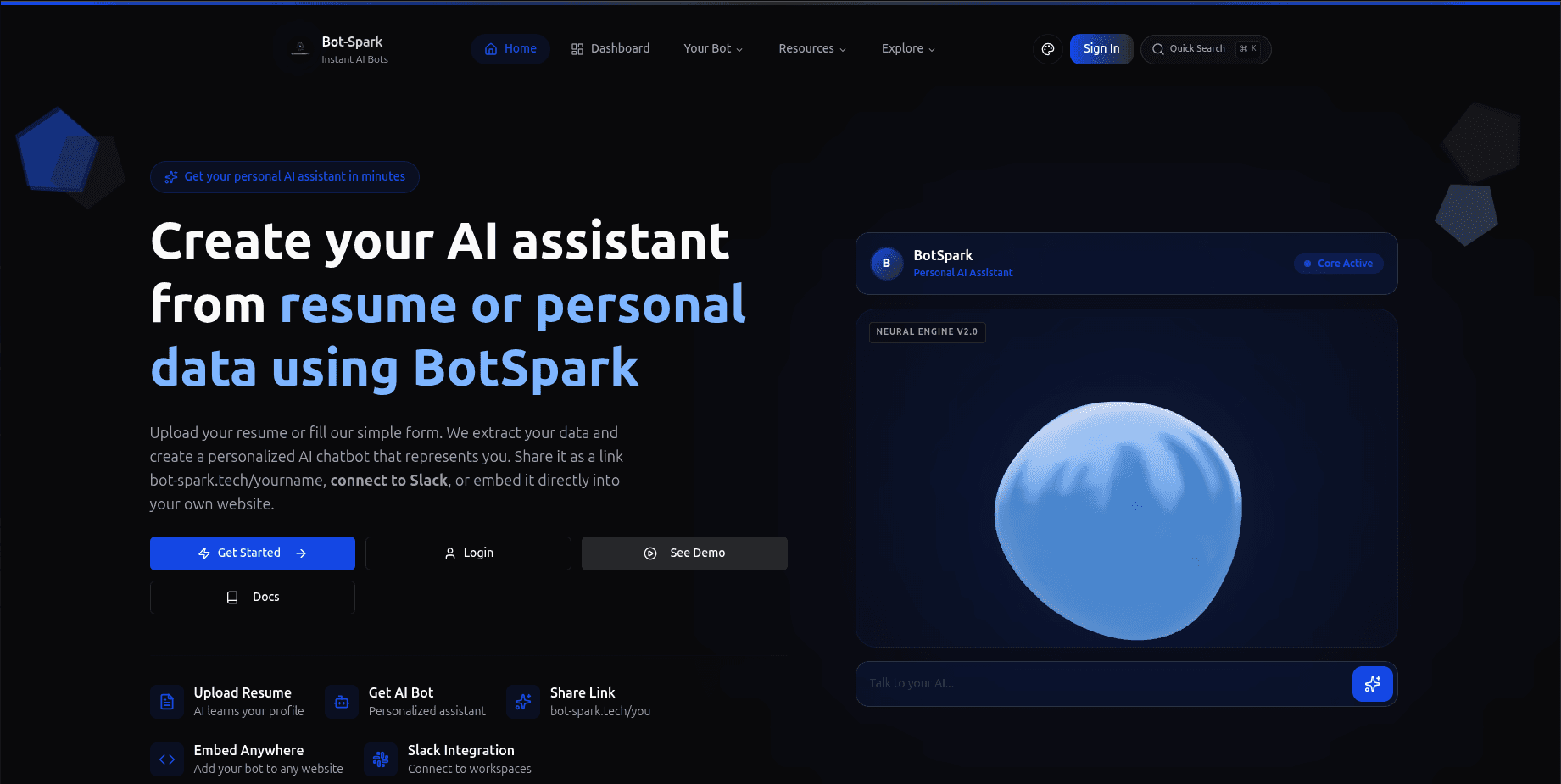
BotSpark Project Showcase
Creating AI assistants used to require coding expertise. BotSpark changes that. In 2 minutes, anyone — students, job seekers, professionals — can...